

자유광장
Studio Pro 8.1이 나왔습니다
자유광장
Studio Pro 8.1이 나왔습니다
페이지 정보
댓글 1
본문
New Features & Improvements
1. Plug-ins & Virtual Instruments
- Vocal Tune: New native real-time pitch correction plug-in for vocals — from natural correction to heavily processed vocal effects, including formant shifting.
- CV Instrument – Modulators: Four new modulation sources, usable as LFOs or ADSR envelopes, each with its own CV output.
- Shared Virtual Instruments: Virtual instruments can now be loaded globally and saved as Instrument Sets, so they do not need to be reloaded for every session.
2. Arrangement & Editing
- Pitch Curves on Audio Events: Pitch automation directly on Audio Events, with a ±2 octave range and semitone- or cent-accurate editing.
- Audio-to-Note Improvements: Extract Drums now supports electronic drums; Extract Notes offers improved bass detection and overall better results.
- Stem Separation Performance: Faster local processing with a smaller installation footprint.
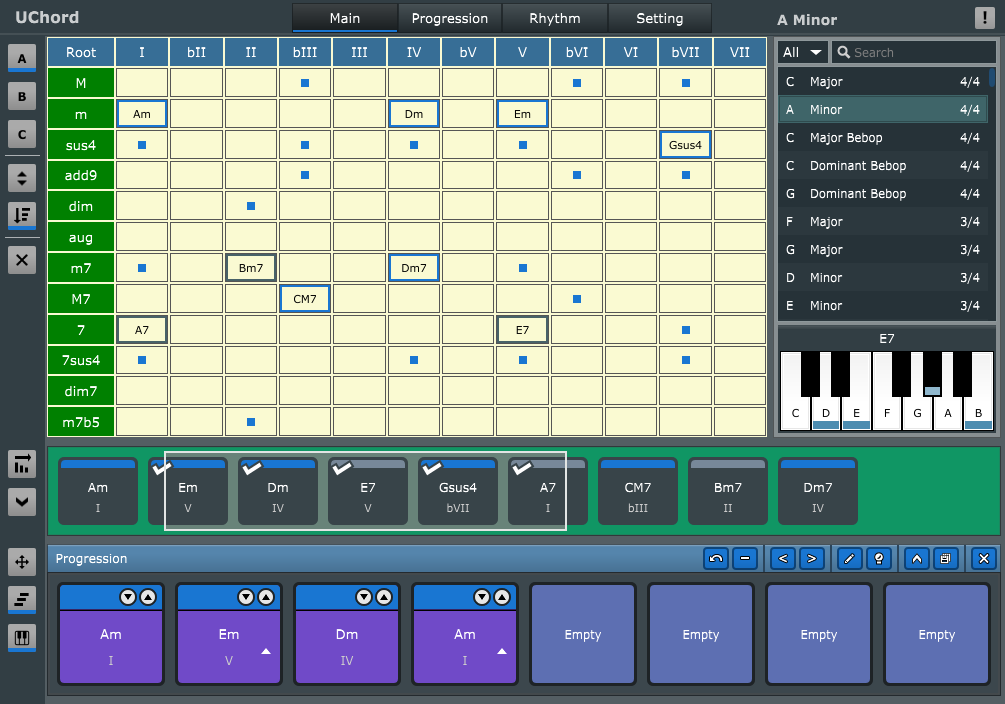
- Chord Assistant Audio Preview: Recommended chords can now be auditioned before adding them to the Chord Track.
- Attack Compensation for Sound Variations: Millisecond offsets for articulations with slower attacks, stored directly inside Sound Variation maps.
- Score Editor – Combined Conditions: Sound Variations can now be triggered by combinations of multiple articulations or directions.
- Score Editor – Repeats & Flow Directions: Repeats, DS, Coda, and other flow symbols are now supported and reflected in the Arrangement.
- Score Editor – Additional Features: Direct editing of time signatures, key signatures, tempo, and chords; plus Measure Limit, grace notes, ghost notes, text boxes, beam tools, additional symbols, and more.
- Transport Bar Alignment: Transport controls can once again be aligned left, center, or right.
3. Browser
- Moises Integration: Stem Generation, Stem Separation, and Voice Conversion are now available directly inside the Browser.
- Customizable Tab Positions: Browser tabs can now be rearranged via drag and drop.
- Updated Home Tab: Redesigned Home tab with a more consistent look and feel.
- Improved Tab Presentation: Tabs can now appear in a collapsed view, making room for more Browser tabs.
4. Show Page
- Channel Overview: The Channel Overview from the Session Page is now also available on the Show Page.
5. General
- Studio Assistant: Integrated assistant based on documentation, knowledge base, and learning content — available directly inside Studio Pro.
- Dolby Atmos Headphone Personalization: Support for personalized HRTF profiles in the integrated Dolby Renderer.
- Update Track Presets: New “Update Track Preset…” command for quickly updating loaded Track Presets.
- Improved “Bypass master effects”: New dropdown options for pre inserts, post inserts, all inserts, or inserts plus fader.
- Audio Mixdown Default Name: Exported mixdown files now default to the Session or Mastering Project name.
- Improved Middle-Click Behavior: The middle mouse button now defaults to horizontal and vertical scrolling.
- Audio Event Replacement: Drag-and-drop replacement of Audio Events has been improved with new modifier-key options.
- Fender MOTION Controller Support: Integration for the upcoming Fender MOTION 16 and MOTION 32 pad controllers.
Fixes
- [Analog Delay] Wet/Dry knob is reversed
- [CLAP] Clack-based plug-ins cannot be scanned
- [Extract Notes] Timing of extracted notes is wrong if Tempo Track is used
- [Launcher] "Record Selected Cells" stops scene playback
- [Launcher] Timeline Ruler appears in exclusive mode on small displays
- [Light Theme] Macro parameters and values barely readable
- [Linux] Manually entering tempo does not refresh UI
- [macOS] Certain 3rd party plug-ins suffer GUI lag
- [macOS] Panel header: Title bar height too small for Tahoe
- [macOS] Potential crash when loading certain Track Presets
- [Mixer] VCA channel fonts are too big
- [Mixverb] Spacing issue on surface
- [Score Editor] Adding lyrics / chords creates duplicate event on instrument track
- [Score Editor] Changing note duration causes noteheads to overlap
- [Score Editor] Chord diagrams remain unchanged after using Chord Recommendations
- [Score Editor] Dynamics and lyrics overlap in continuous view
- [Score Editor] Grand staff lyric hyphens misaligned
- [Score Editor] Note position mismatch between score and piano view after edit
- [Score Editor] Rebuild Score removes chords and chord diagrams from Score Editor
- [Score Editor] Staff name abbreviation can't be edited
- [Score Editor] Switching to Score Editor while Step Recording is active causes crash
- [Show Page] Multi-instrument volume resets to 0 on load
- [Sound Variations] Variations switching earlier
- [Spectrum Meter] Average curve wrong when Frequency range minimum >20Hz
- [Windows] Extract audio from Rokid video fails
- [Windows] Range selection flickers
- [Windows] Screen scaling partially broken after returning from sleep mode
- Audible clicks and drop-outs on faded ARA events on playback
- [Autofilter] LFO shape tooltips display incorrect “Chain / Parallel” text
- Automation button deformed on narrow plugins (e.g. Dual Pan)
- Avoid horizontal scrolling when editing tempo automation values
- [Binaural Pan] Knobs swapped in Channel Overview
- Browser search results sometimes include device UID's
- Can't enter time signatures with Japanese input method
- Certain Parts inside a nested folder can neither be copied nor moved
- [Presence] Certain presets do not play A4
- Change tooltip for "Fingering (Guitar RH)"
- Channel strip EQ gain value text is truncated
- Child window partly positioned outside the visible desktop area
- Comping creates micro regions and visual artifacts when swipe-comping x-faded regions
- Crash adjusting Fat Channel in overview
- Crosshair cursor appears in Arrange window when moving plugin windows
- Deleting many events causes freeze or long processing time
- Edits are not properly updated when recording with Tempo Map
- Export Spatial Audio realtime issues
- Indentation for plug-ins in the Browser is not aligned correctly
- Installation dialog list order is case sensitive
- Instrument Direct Inputs coming from other instrument tracks are muted during playback
- Login with Apple ID results in "invalid state" error message in certain situations
- Macros insert splitter instead of pro eq and compressor
- Misc Chinese translation issues
- [Multiband Dynamics] Attack and Release parameter text and values are cut off
- New groups not added to Group list until suspend groups is toggled once
- Notes re-trigger on event split during playback when 'Chase Long Notes' is on
- Phase Meter in Channel Overview retains historical curve tracks after inactivity
- [Phaser] "Log. Sweep" and "Soft" buttons texts not centered
- Pre-panner metering shows signal from Object Track as source
- ProEQ does not recall 12 dB level range after reopening session
- Save confirmation dialog appears on secondary display on quit while minimized
- Tap tempo requires only two taps for tempo detection
- Tempo change numbers cut off on tempo track after zoom
- Tempo oscillating in Scratch Pad
- Text is cutoff for the Tuner plug-in in the Channel Overview
- Time signature numerator cursor and highlight missing when graphics hardware acceleration is disabled
- VCA channels may cause wrong undo results
- Visual placement issue with nested folder structure


 {emo:onion-070.gif:50