자유광장
Studio Pro 8.0.2가 나왔습니다
본문
Version 8.0.2 Release Notes (March 3, 2026):
New features and improvements:- [Extract Notes] Dialog is now keyboard accessible
- [Linux] Updated Stem Separation
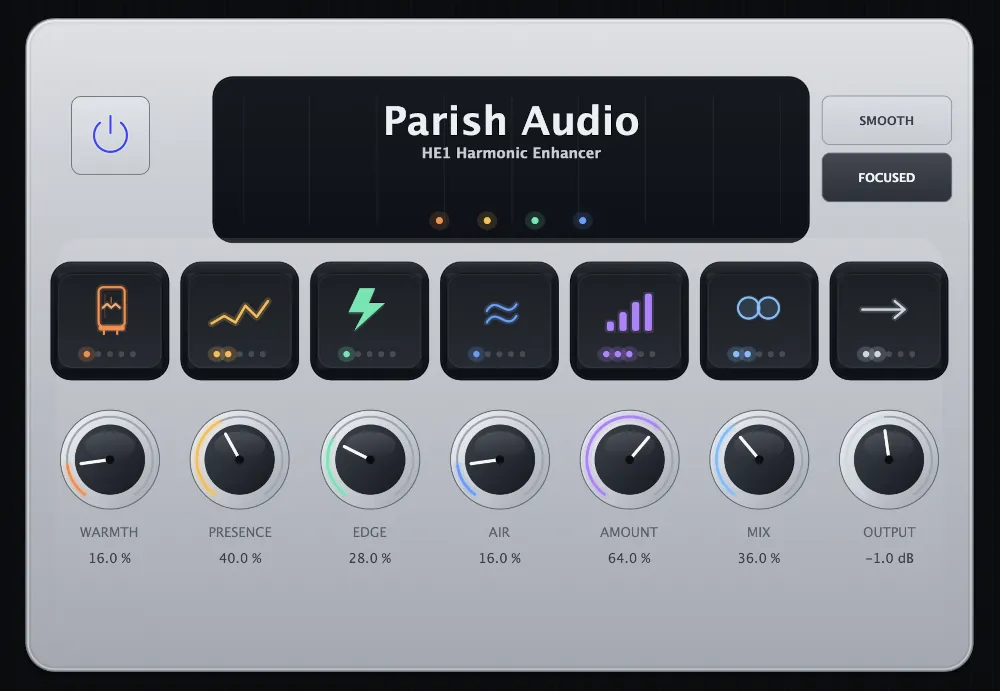
- [Presence] Editor design refresh
- [Toolbar] Refined order of hidden elements when resizing screen
- Offline Activation Guide added to installer
- Improved plug-in ordering after search
- Inspector menu height is now consistent
The following issues have been fixed:- [Acoustic Piano] Full fine tune is momentary
- [ATOM SQ] Bank buttons are off when in editor mode using Impact
- [ATOM] Black box appears at the top of Control Link area using ATOM controller knobs
- [Browser] Potential freeze when attempting to split a large multichannel file
- [Channel Overview] Truncated parameter is added when dragged from Control Link panel
- [CLAP] Plug-in doesn't show its multi-outs
- [Fat Channel] DSP buttons require double-click to open
- [Mai Tai] Cutoff knob looks blurry
- [Mai Tai, Presence] LFO key-scaling disabled state inverted
- [Mixtool] Channel Overview shows stereo invert on mono channel
- [Mixtool] Phase Invert button icon is not centered
- [Mixtool] Tooltip for Phase Invert claims "Flip Channel"
- [Mojito] Incorrect tooltip for Sub knob
- [Mustang Native] Switching presets in a certain order creates invalid data
- [Open AIR] Empty image tab still referencing Studio One logo
- [Pattern Editor] Unable to edit C-2
- [Pro EQ³] 12th octave spectrum analyzer issue
- [Pro EQ³] Macro Controls are not working
- [Pro EQ³] Volume slightly boosted in HQ mode
- [Pro EQ³] Wrong automation rendering when using Freeze
- [Score Editor] "Select All" shortcuts reversed
- [Score Editor] First dynamic marking missing after copying tracks
- [Score Editor] Layout breaks after copying exported tracks
- [Show Page] Chord track scrolling is not smooth
- [Show Page] Dragging setlist item to end of show causes sticky UI and redraw issues
- [Show Page] Incorrect tooltip displayed for "Display" dropdown in Chord Track header
- [Show Page] Undo removes Arrangement parts instead of the last added session
- [Show Page] Video player disappears in Performance mode
- [Vocoder] Follow & Release knobs are not centered
- [Windows] Text box shows artifacts when editing in certain scale factors
- Articulation playback sets document dirty flag
- Auto Zoom and Autoscroll pulldown menus are too large
- Automation baseline shifts based on first automation point
- Channel Strip missing in Inspector for all tracks
- Chord doesn't audition when applied from recommendations
- Chord suggestion not showing when clicking the arrow on the first chord in the session
- Duplicate channel fader in Inspector for video tracks
- "Extend Left/Right" macro isn't applied to the event selected after duplication
- "Extract Notes" mutes all tracks after un-solo when used on soloed track
- Fade out on looped Tonalic introduces clicks on loop joints
- Focus remains in ARA editor after clicking Session Page
- Freezing a subfolder places the resulting track outside its folder
- Frozen looped instrument part is incorrect on return trip
- Full plug-in scan forced when changing time zones
- Importing certain MP3 files may create empty space at the end of the event
- Inconsistent scale display for pitch bend
- Incorrect key signature detection in certain cases
- Inserting silence less than a bar at the beginning of a session inserts a new time signature
- Inspector velocity no longer allows negative values
- It is not possible to remove the key from the session
- Key command CTRL+ALT+SHIFT not working for certain plug-ins
- Moving Events from Scratchpad to main Arrangement causes freeze
- Offline Activation button is hidden when using certain language settings
- Paste after dangling slur confuses note order
- Popup menus are not consistent
- Potential crash when drawing a shape in the Tempo Editor
- Recorded takes are not placed correctly on layers
- Recording preview appears in wrong pattern while recording to different track
- Score shows individual tempos for imported tempo ramps
- "Show channel editor" macro command does not work when state=0
- Sound Variation field disappears when Note Editor is detached
- Square UI glitch appears when clicking channels in Mixer
- Sustain CC messages continue to affect playback after moving playhead to an area without Instrument Parts
- Tap Tempo during playback resets audio position instead of following timeline
- Tempo drops below minimum limit after changing time signature
- Tempo track trim handle doesn't change the parameter
- Timing of exports from Notion are incorrect
- Two cursors appear when recording with cursor mode set to centered and Auto Zoom on full
- Undo replacing instrument does not restore previous auto-generated track name
- Waveform is not drawn at all zoom levels in certain sessions
업뎃합시다!!!
-
-
-
 댓글
1
댓글
1
-
-
-
-
댓글
5
-
댓글
2
-
댓글
1
-
댓글
2
-
댓글
2
-
댓글
4
-
댓글
1
-
댓글
2